
MGI Zip Navigator troubleshooting: no power, alignment and maintenance
Mgi zip navigator no power: Step-by-step first checks for an MGI Zip series buggy that turns off, will not drive, pulls to one side or is noisy, based on MGI's own troubleshooting guidance.
Buggy turned off during the round: sleep mode
MGI buggies have a sleep mode that starts if the start/stop button is held for three seconds or more, or if the buggy has been idle for 30 minutes. A quick tap is all the start/stop button needs. To wake a buggy, hold the control for about three seconds until the top box lights, and repeat the same action to leave sleep mode.
- •Zip X1: hold the speed dial down for about three seconds.
- •Zip X3, Zip X5, Zip Navigator and Navigator AT: hold the speed dial and the left-hand side button down for about three seconds.
- •Ai Navigator GPS+: hold the speed dial down for about three seconds and select Sleep mode, then hold the dial again to exit.
Battery connected but no display
Make sure the battery is fully charged. If it is, the buggy needs inspecting at an authorised MGI repair centre.
Will not turn on properly, or the top box lights but it will not move
Work through these checks in order.
- •1. Check the rear wheels are on the correct side, judged looking from the rear of the buggy, and locked into the drive position.
- •2. On the Zip X1 and X3, a clutch may be seized. The rear wheels should roll forward freely and lock when pulled back.
- •3. If a wheel does not roll forward freely, it may need replacing.
- •4. If the wheels are correct and the buggy still will not go, have it inspected at an authorised MGI repair centre.
Speed setting will not change
Check the wheels are on the correct side and locked into the drive position. On the Zip X1 and X3, if they are correct, the speed control may need replacing.
Pulls to one side
Start with the wheels: they should be on the correct side and locked in the drive position. If they are right, the front wheel may need adjusting. MGI points owners to the manual for front-wheel adjustment on the X1, X3, X4 and X5, and to its PDF or video for motor trimming on the Zip Navigator and Navigator AT.
Noisy buggy
Lightly lubricate the axles with petroleum jelly. If the noise continues, have the buggy inspected at an authorised MGI repair centre.
Golf bag will not fit
MGI buggies are designed for a cart bag. Make sure the handle is locked in the highest position and the top bag support has been lowered. A stand bag or another brand of cart bag may need a bag block or bag rest spacer for a snug fit.
Wet weather and cleaning
MGI buggies are built for all conditions but are not waterproof, so keep to fairways and paths and avoid boggy ground and puddles. Carry a hand towel to wipe water off the top box. Never clean with a pressure washer or hose: brush off debris and wipe with a damp cloth. MGI says water damage to the drive system or electronics is not a manufacturing defect and is not covered by warranty.
Batteries and safety
Never connect a battery that has been dropped, damaged or immersed in water to a buggy or charger, because it can create a fire risk. Contact the MGI Service Centre to arrange a replacement.
Frequently Asked Questions
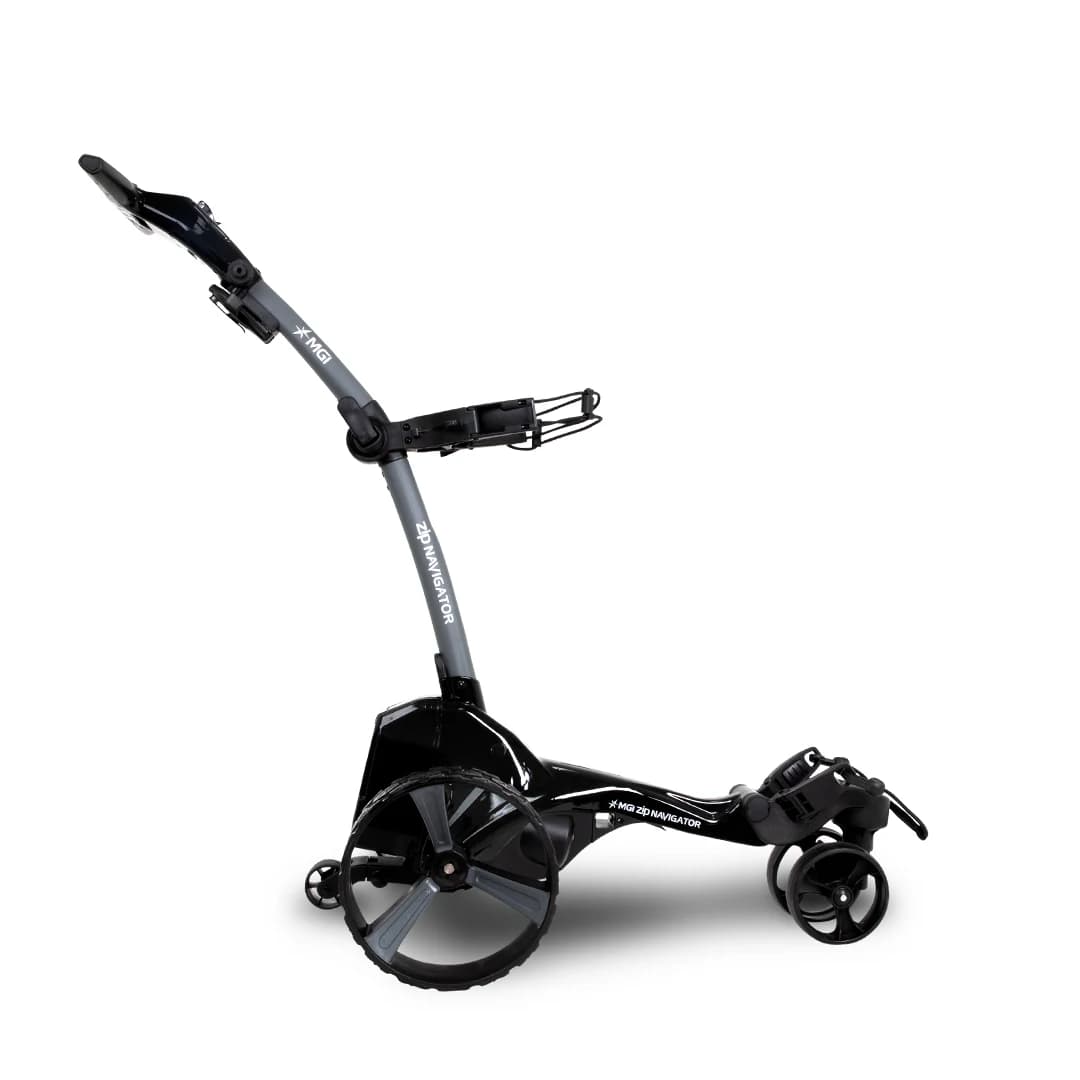
MGI ZIP Navigator
Full Directional Remote, Gyroscope Straight Tracker, Downhill Speed Control. Available for immediate dispatch from our Yatala QLD depot with nationwide enclosed delivery.
More Australian Golf Buggy Guides
Golf Buggy Tyres Explained: Turf, All-Terrain & Street Tyres for Australian Conditions
The three tyre types fitted to golf buggies in Australia, what each is actually built for, and how to tell if the tyres on the buggy you are looking at match how you plan to use it.
Golf Buggy Brakes Explained: Drum, Disc & Electromagnetic Braking Compared
How the three braking systems fitted to Australian golf buggies actually work, why heavier or lifted models need more than a stock drum brake, and the warning signs a brake upgrade is overdue.
Lithium vs Lead-Acid Golf Buggy Batteries: The Complete Australian Buyer Guide
Comparing real-world driving range, 8-year lifespan savings, hill climb torque, and maintenance differences for Australian golf courses and acreage estates.